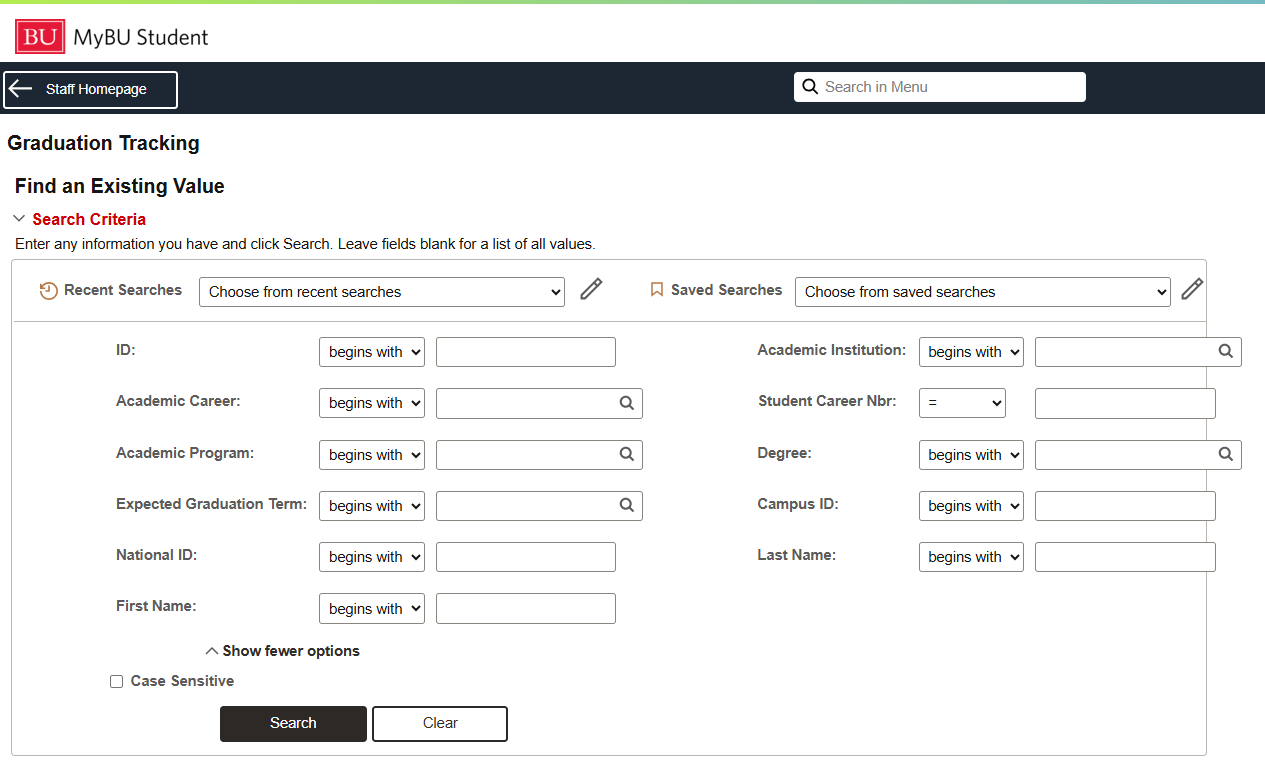
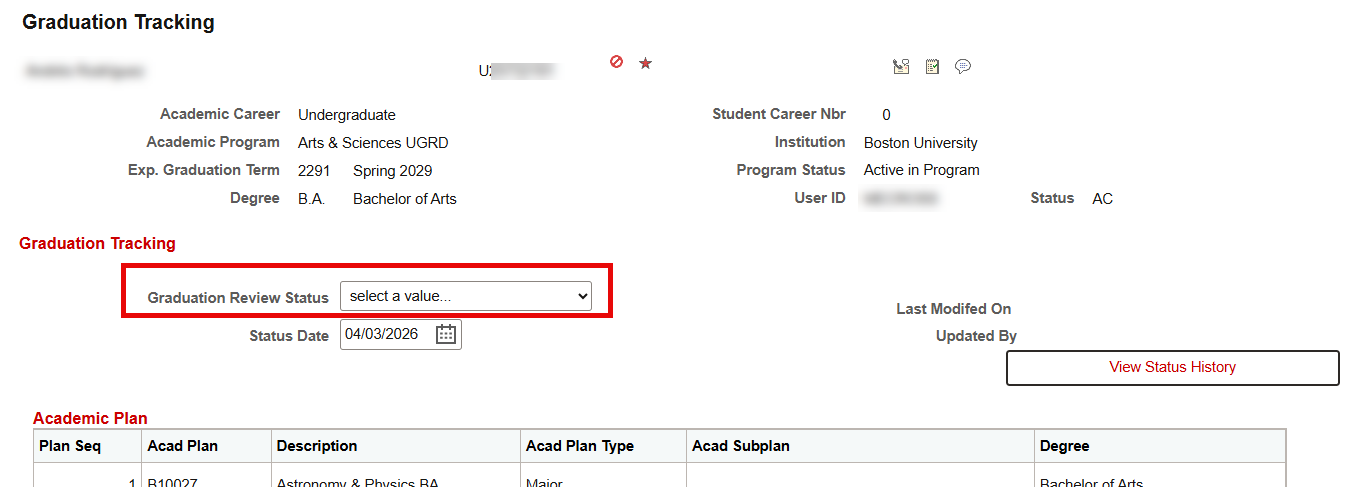
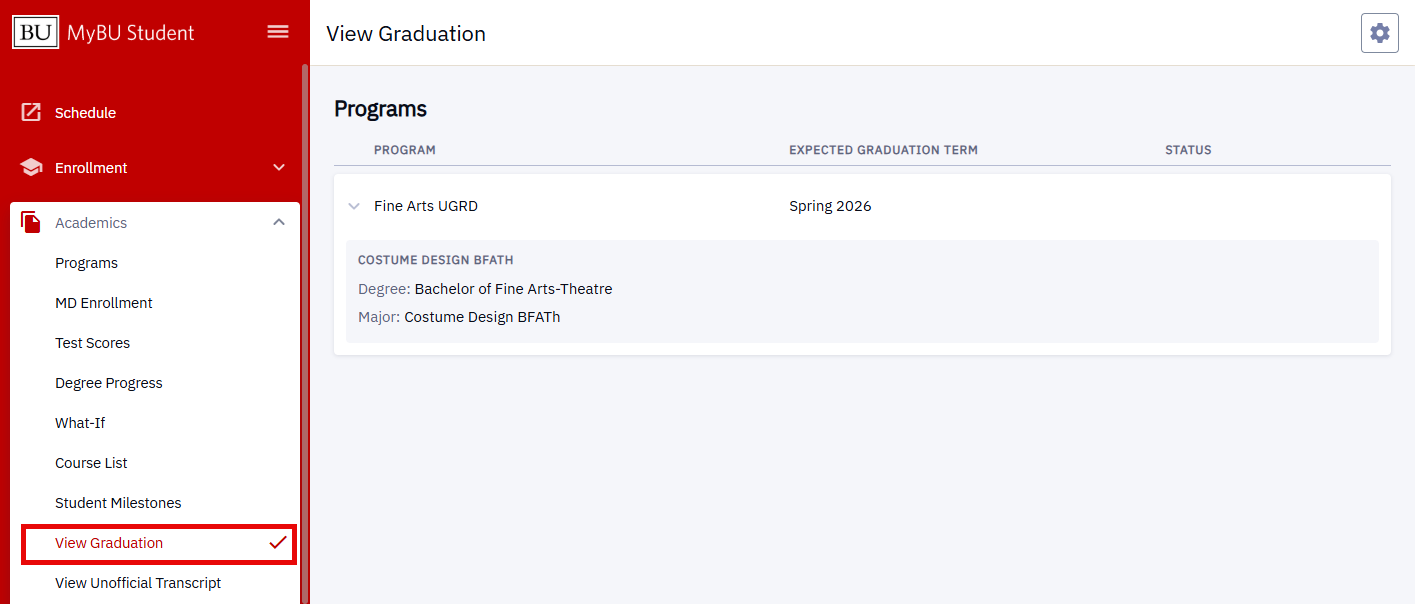
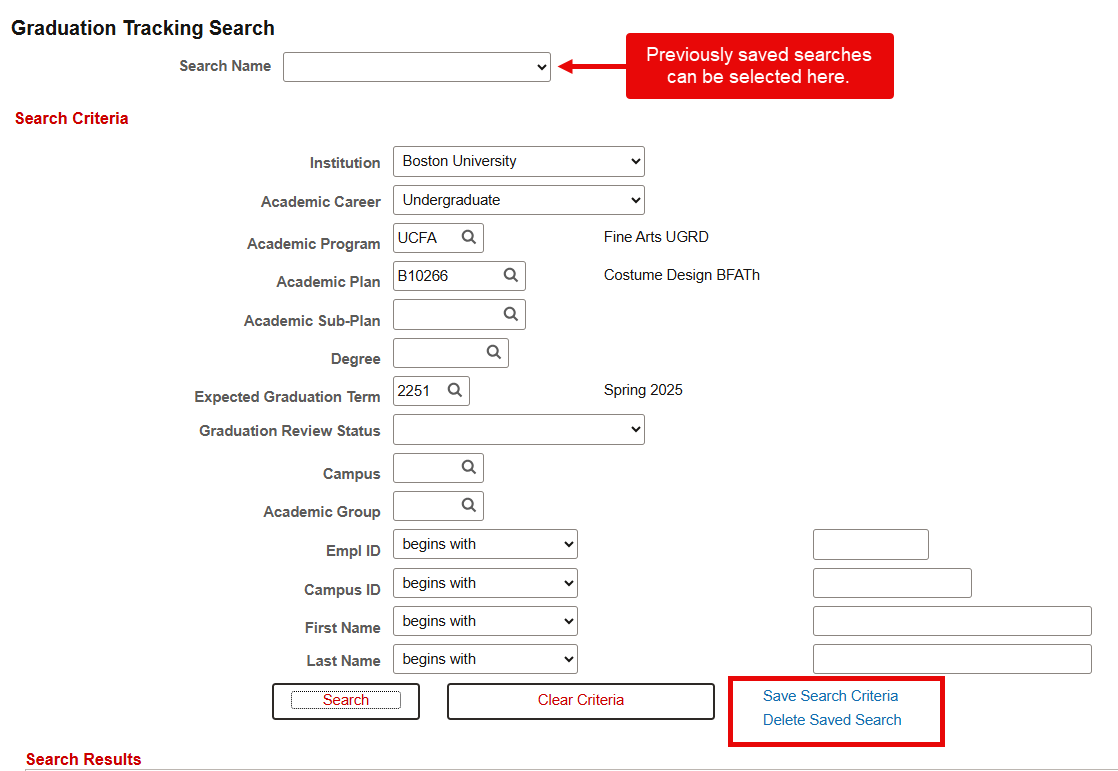
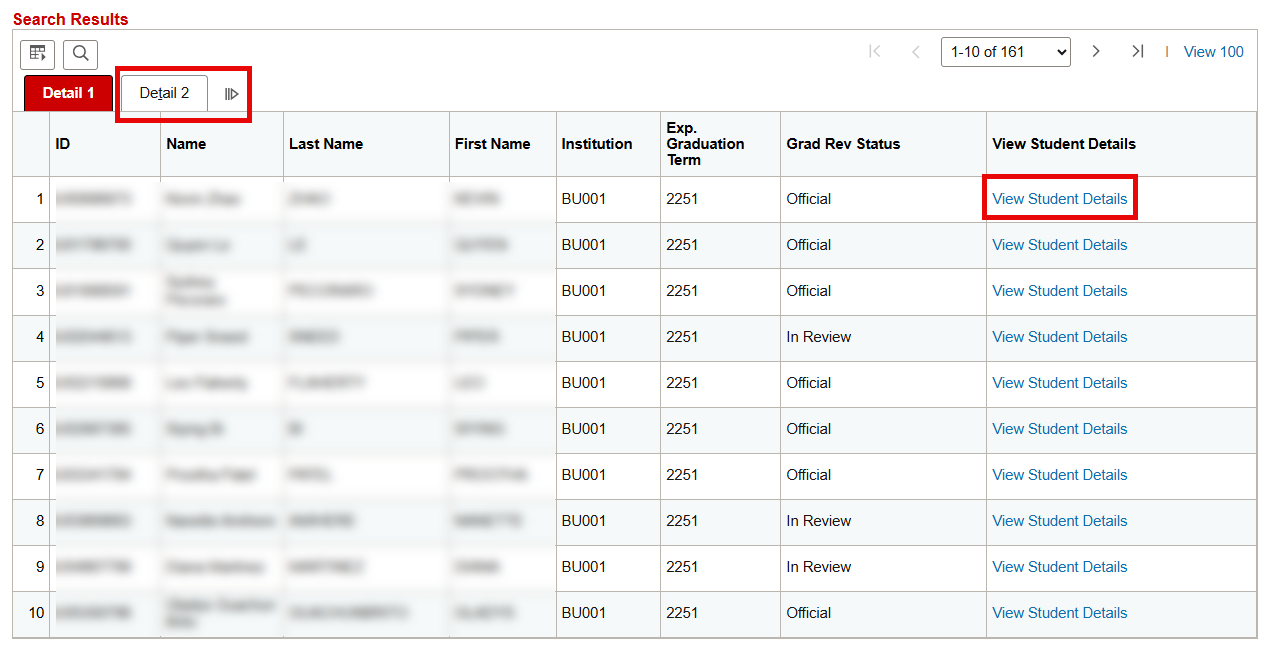
The Graduation Tracking page allows users to view several elements related to a student’s eligibility for graduation in one place. This includes detailed academic program-plan (CPP) information including Expected Graduation Term, as well as Graduation Review Status, academic statistics, enrollment, certain honors, and transfer/test credit.
Summary section
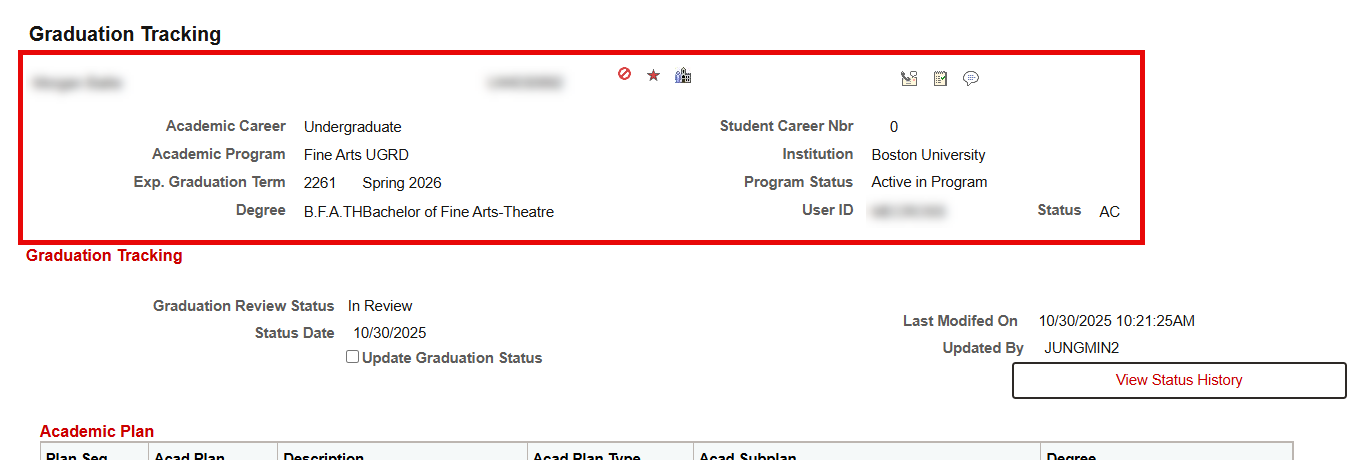
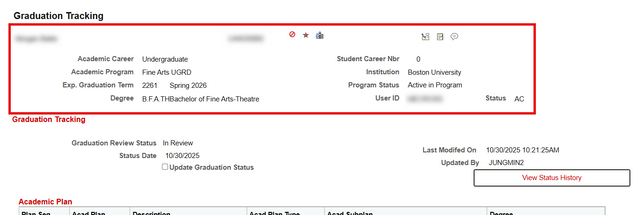
The top Summary section provides a high-level overview of student and user information, including icons to access Service Indicators, FERPA, Communications, Comments, and Checklists, as well as Academic Career, Academic Program, Expected Graduation Term, Degree, Student Career Nbr, Institution, Program Status, and UserID.
Graduation Tracking
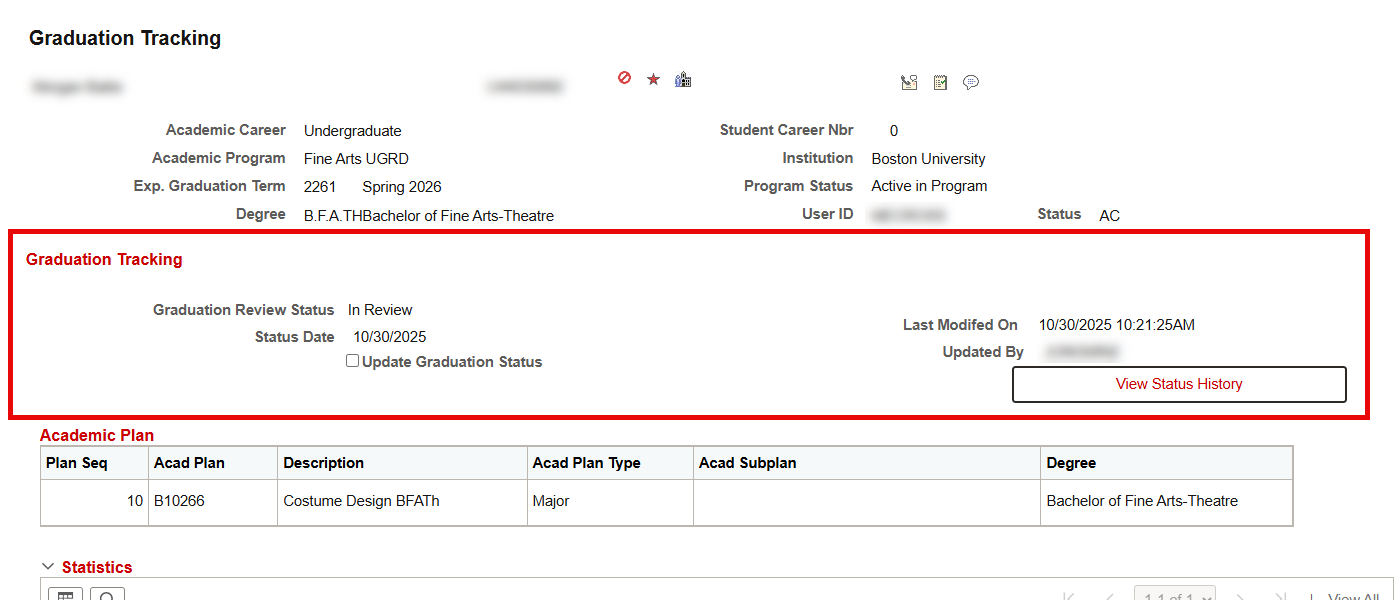
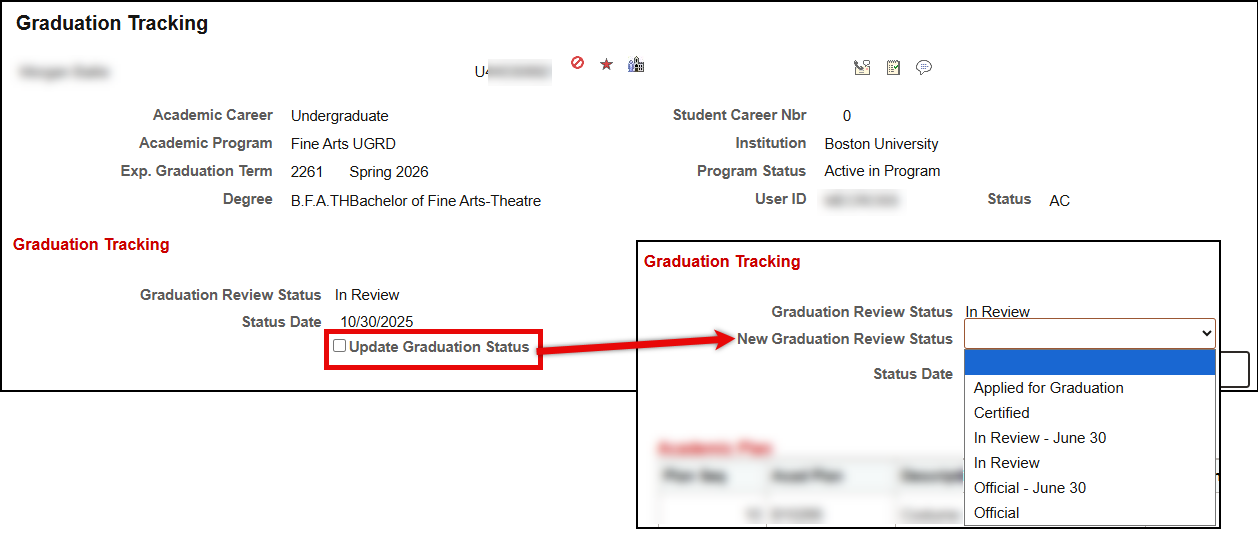
The Graduation Tracking section of the page is where a student’s status within the graduation review process is identified and updated. Refer to the Graduation Review Status section of this resource for more information.

Academic Plan
The Academic Plan section displays all plans for the student’s career/student career number identified at the top of the page. If the student has more than one degree in the career/student career number, all plans appear under each degree type.

- Plan Seq: The Plan Sequence number from Student Program/Plan
- Acad Plan: The Academic Plan code
- Description: The Academic Plan description
- Acad Plan Type: The Academic Plan Type (i.e., Major, Minor)
- Acad Subplan: The Academic Subplan when one exists.
- Degree: The Degree that would be earned
Statistics
The Statistics section displays GPA and credit data up through the expected graduation term.
- The Cumulative Units tab displays a summary of the status of all units taken by the student in a term.
- The Cumulative GPA tab displays a summary of GPA statistics.
- Note that Special GPA statistics, such as Academic Year or Institutional GPA will NOT display here.
- The Transfer Credit tab displays a summary of the Transfer, Test, and Other credit statistics for the student, when they exist.

Enrollment
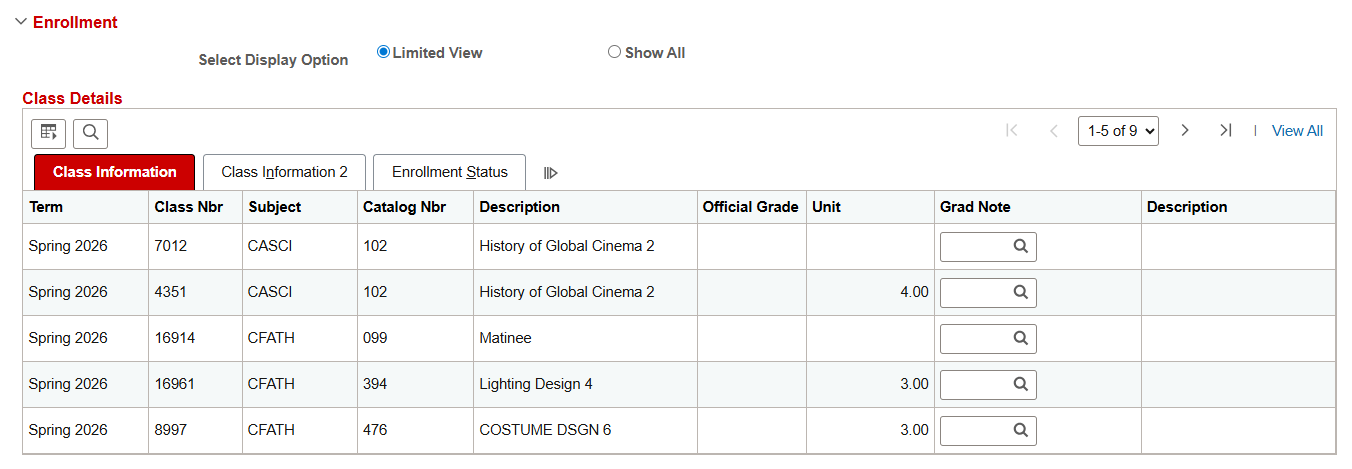
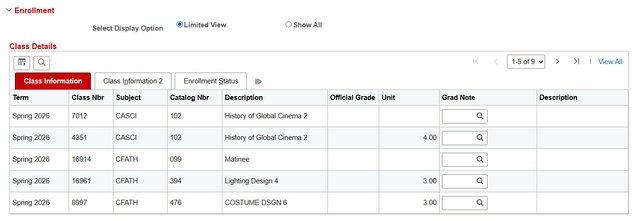
The Enrollment section displays enrollments attached to the Academic Plan’s Career.
- Select the Limited View button to see those classes without a grade assignment, or with an ‘incomplete’ grade. Adding a Grad Note to a class here will cause the class to remain visible in this section for review should the class later be graded or dropped (after drop retain date).
- The Show All View Button displays all enrollments.
Graduation Notes
Add any desired Graduation Notes in this section, in accordance with any applicable school/college/department policies. Select the ‘+’ sign to add multiple rows.
Honors
[OPTIONAL] Note any department/major/degree-specific Honors earned in this section. This section is for internal tracking purposes only and will not be reflected on student diplomas.
ⓘ Schools/Colleges must separately send a list of Departmental/Major/Degree Honors recipients in advance of the official graduation date in order for those honors to be officially reflected on the degree. Latin Honors are also managed in a separate process by OUR.