Activating Aid Year
Typically, an automatic process is run to activate students for the appropriate aid year. When an individual student’s aid year needs to be manually activated, follow these steps:
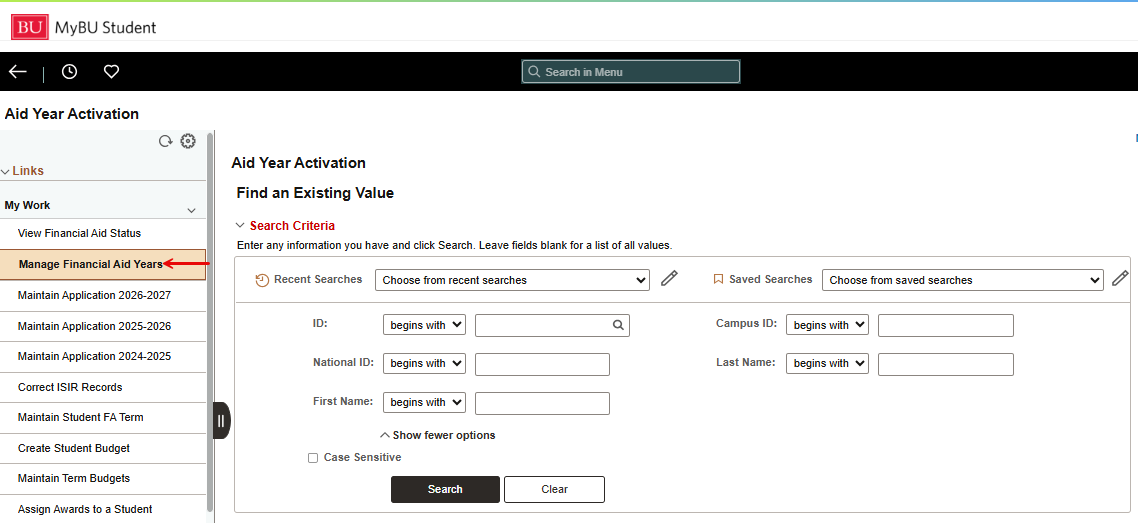
- From the Full Site, if using the staff homepage tiles, navigate to Financial Aid > Manage Financial Aid Years.
- Alternatively, if using the top right menu from the Full Site NavBar, navigate to Financial Aid > Aid Year Activation > Manage Financial Aid Years > Aid Year Activation.
- In the Aid Year Activation—Find an Existing Value page that opens, identify the student using the search parameters.
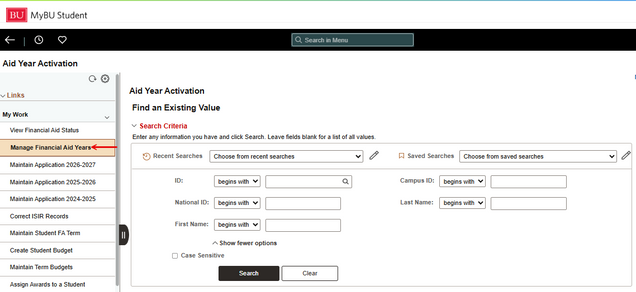
- In the Student Aid Year Activation page that opens:
- Check that the correct student name and ID number have populated.
- Enter or select Institution and Aid Year for which the student needs to be activated.
- Click the Save button.
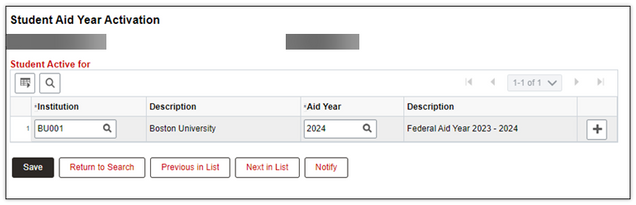
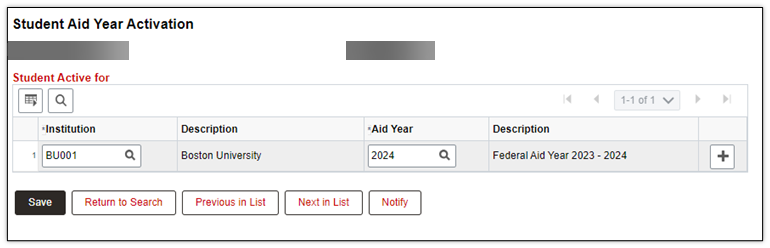
- To ensure that the student has been activated for the appropriate Aid Year, return to the search screen and search for the same student.
- The following page is returned with all information populated, indicating that the student is now active for the entered Aid Year.


Please note that this resource includes information related to Federal Financial Aid policies which are liable to change. Staff maintaining this document will update terminology, links, or processes in accordance with new information as it becomes available in conjunction with Student Information System updates. The information here identifies salient details regarding the usage of MyBU Student and is designed to be used in conjunction to Financial Aid Procedures and Processes.
This page was last updated April 2026. To download a PDF copy of this resource, print this webpage as a PDF.
