View Enrollment Dates
To view Enrollment Dates in MyBU Student:
- In the MyBU Student Dashboard, navigate to the Enrollment tab and then select Enrollment Dates.
- Before a specific enrollment date and time has been assigned to a student, the general registration period dates will display.
- Once a student has been assigned a specific enrollment appointment date and time, that will display at the top of the Enrollment Dates page.
- Notice that the enrollment appointments are based on the Projected (or anticipated) Academic Level for next term. This Level does include the current Term enrollment.
- Click on the Term to expand for more information, as shown below.
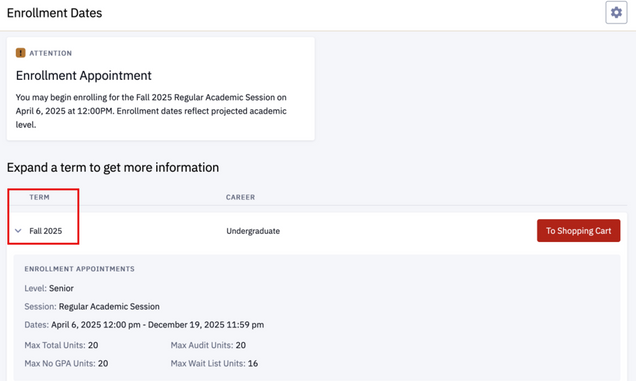
Click on the graphic above to view larger (then click the browser ‘Back’ button to return to this page).
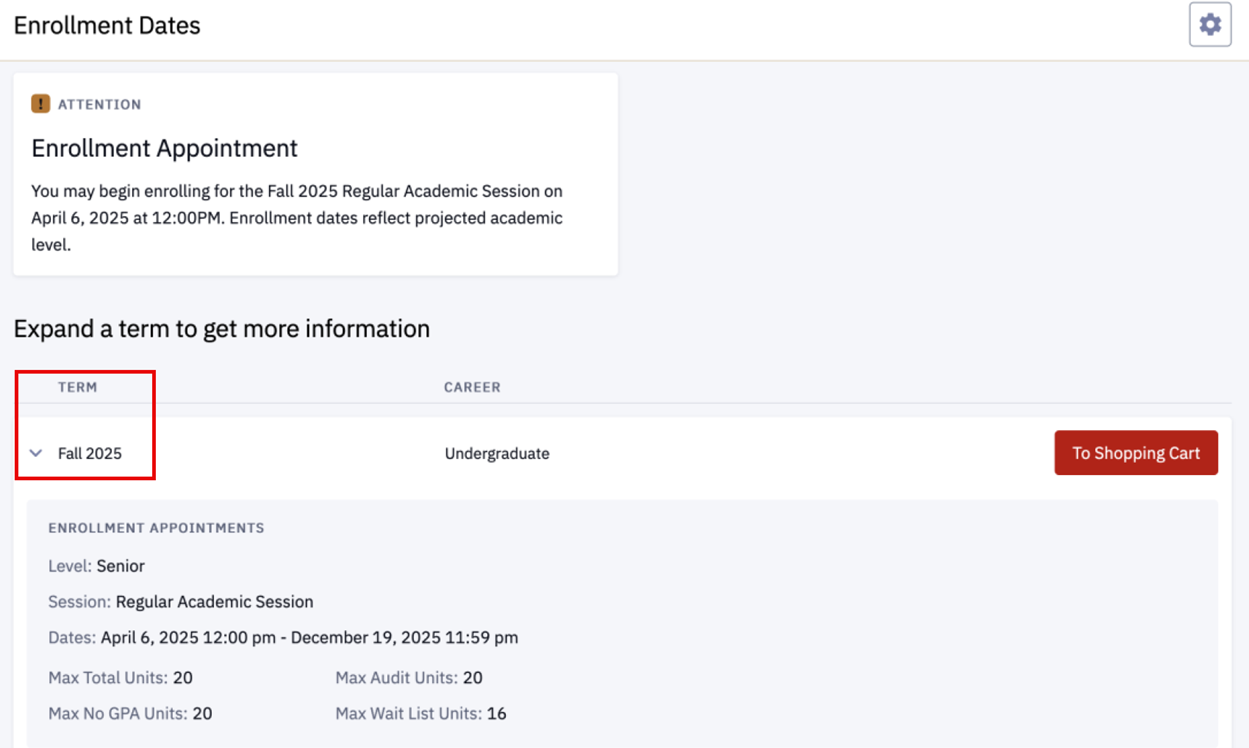
NOTE: The Academic Level that the enrollment appointment is based on is the Projected (or anticipated) Academic Level for next Term. This does include current Term enrollment.
The Academic Level listed under the expanded Term section indicates the stage as of the beginning of the current Term. This does not include classes currently in progress this Term or any enrolled classes in future Terms.
Visit BU Registrar website for more information about enrollment appointments.
This page was last updated March 2026. To download a PDF copy of this resource, print this webpage as a PDF.
