Students: Enrollment Verification
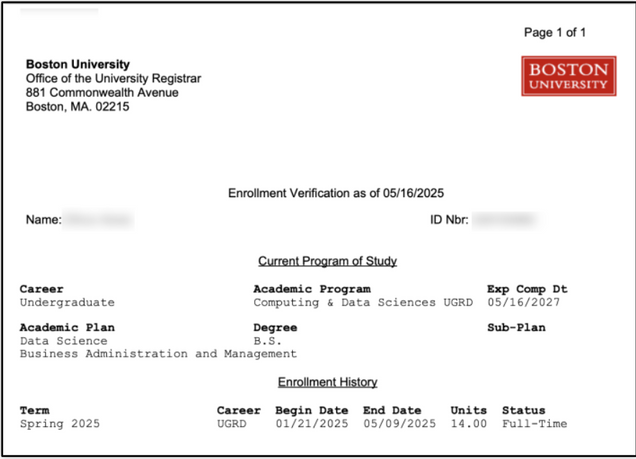
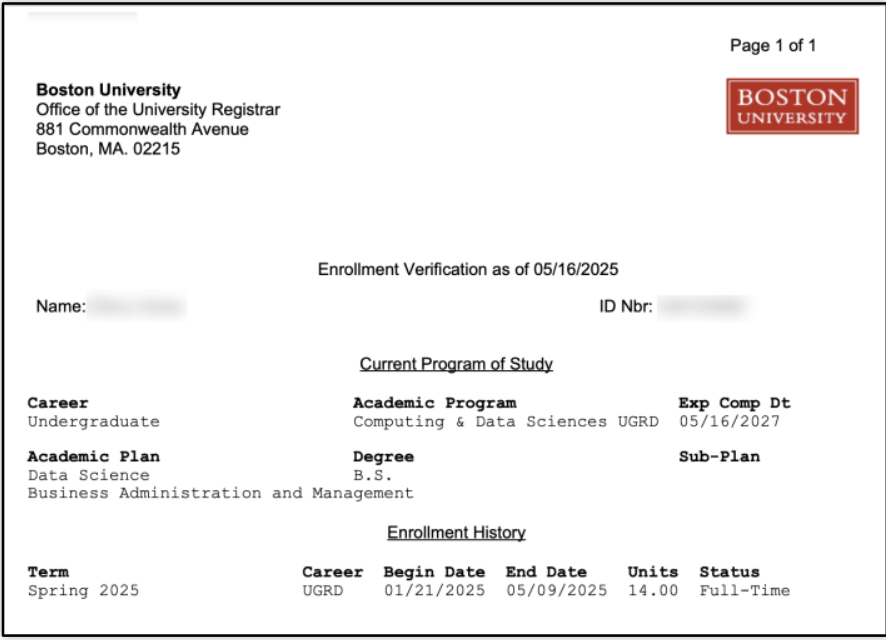
The Enrollment Verification feature in MyBU Student allows students to generate documentation verifying BU enrollment information.
ⓘ This Enrollment Verification page can only be accessed by students.
- Navigation: Left Menu > Enrollment > Enrollment Verification
- Select the Desired Term from the dropdown field.
- If no Term is selected, all applicable Terms will generate.
- Select the checkboxes for the data to display on the document: Include My Program and Plan, and/or Include My Earned Degrees.
- Click Submit.

- To generate the document, select the View Printed Version button.
- To return to the selection options, click Return to Form.
- The file will generate and can be printed or downloaded.

This page was last updated May 2025. To download a PDF copy of this resource, print this webpage as a PDF.
