Students: Advisor Information Lookup
The Advisor Information page contains details about assigned advisors. Students can use this page to look up who their advisors are.


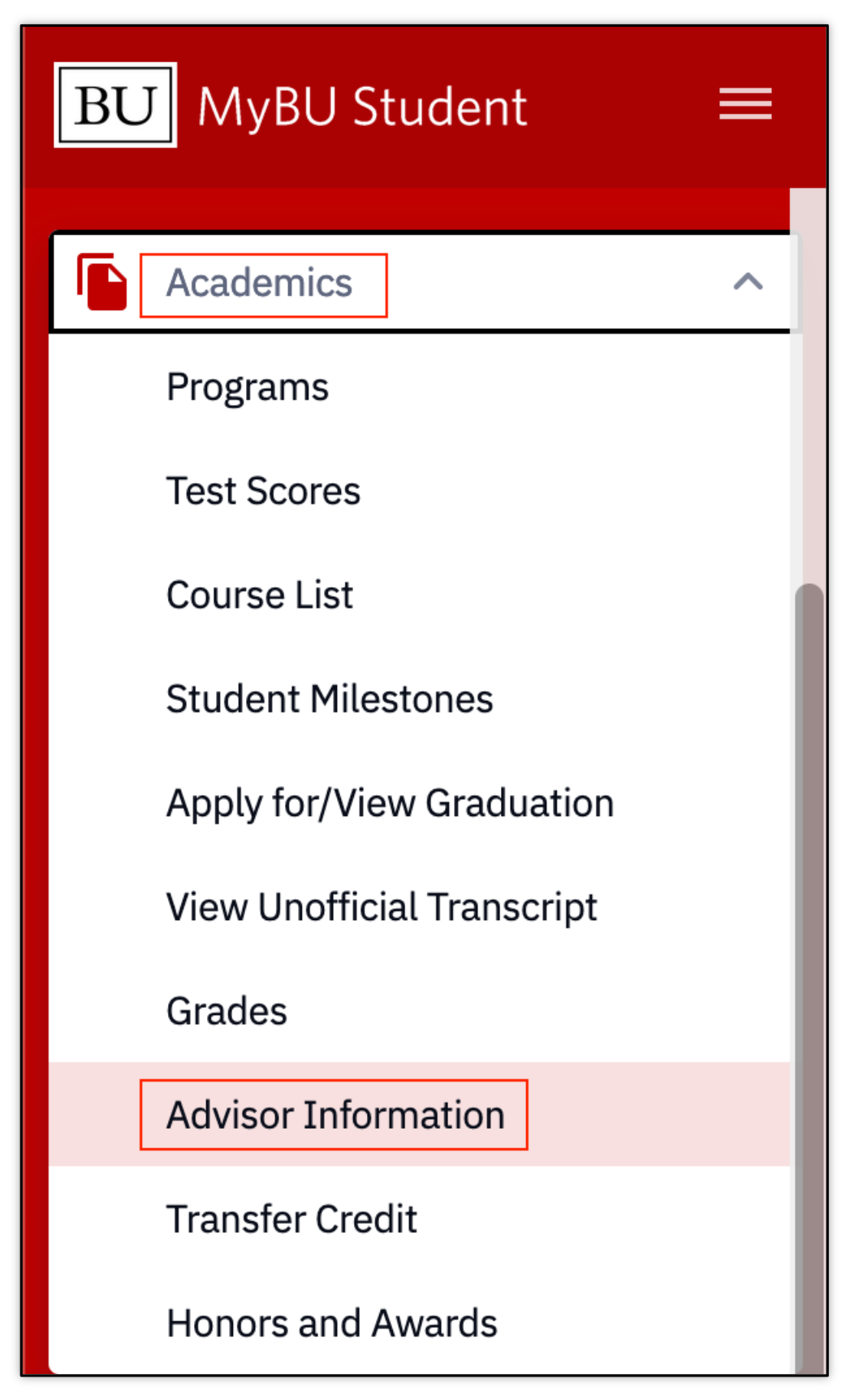
- Navigation: MyBU Student Portal > Dashboard > Left Menu > Academics > Advisor Information
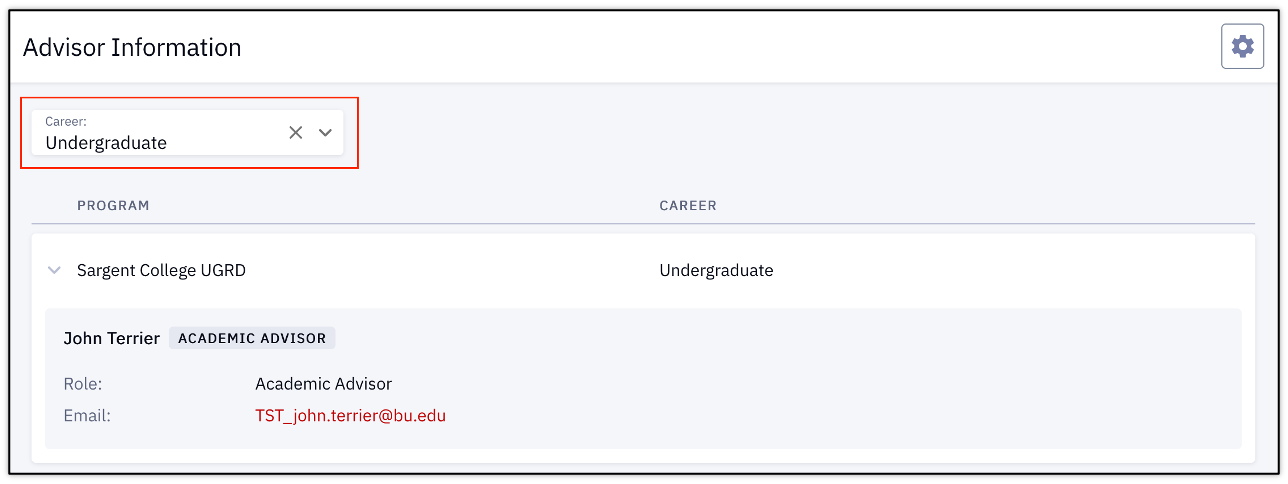
- Select the desired Career if there are multiple associated careers.
- Organized by Program, the information displayed includes Advisor name(s), their role, and email.
For a downloadable quick card, please click the PDF icon above.